
Duplicator Tool
by Danzen
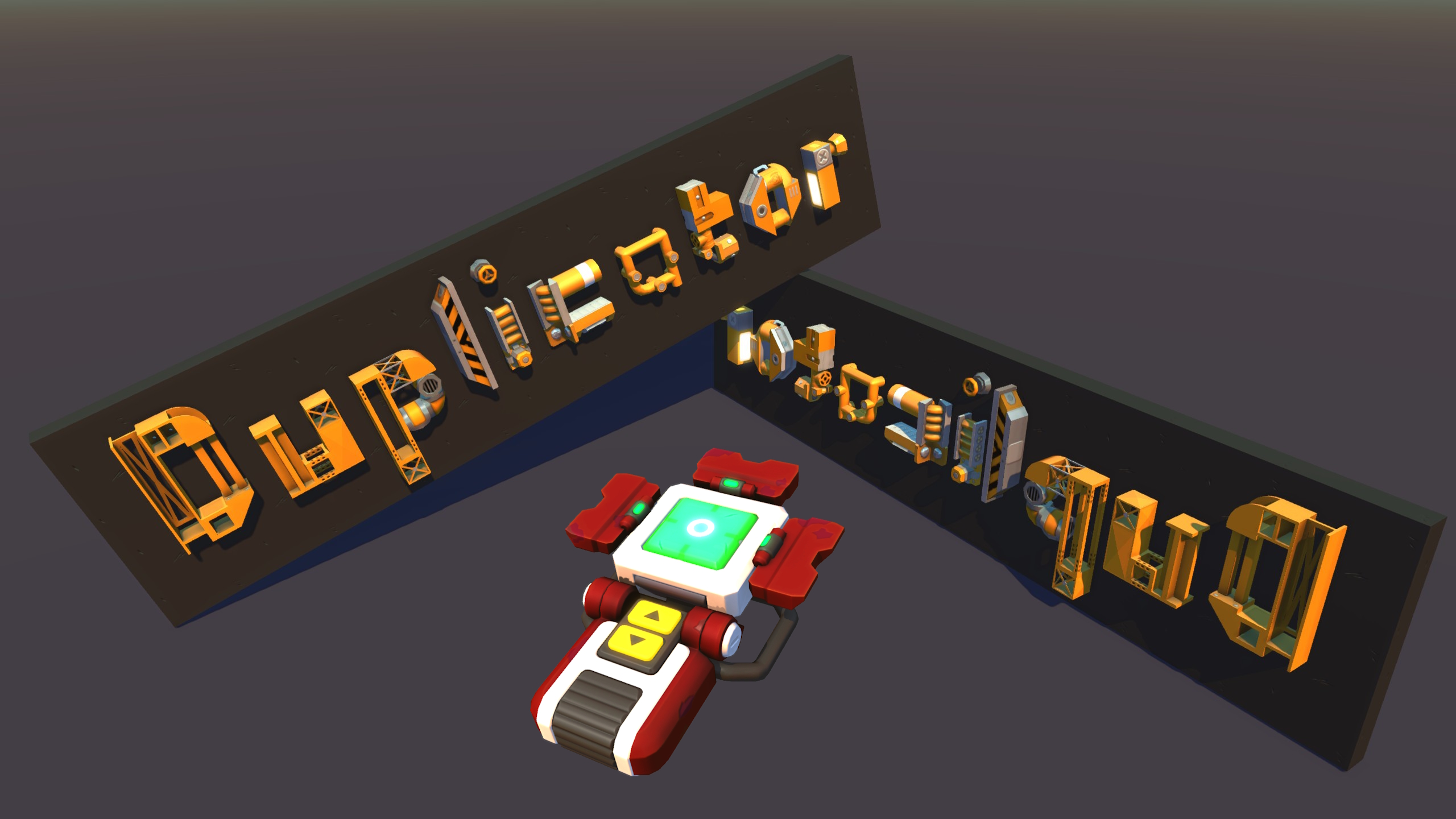
This tool allows you to select multiple bodies and copy/paste/mirror/split/delete them Update 06/09/2026 [*Renamed Select Mode to Copy Mode, and Build Mode to Paste Mode [*Added two new modes: Split Mode and Delete Mode [*Reload now cycles through all four modes in order: Copy → Paste → Split → Delete → Copy [*Split Mode lets you select two directly-connected bodies (parent/child) and disconnect the joint(s) between them [*Delete Mode lets you select and delete any number of bodies, even across different creations [*Added full support for multishape parts (parts made of sub-parts and/or joints) across Copy, Paste, and Split [*The tool itself now changes colour to match whichever mode is active [*Mirrored state in Paste Mode is now spelled out as "(Mirrored)" instead of a coloured "M" [*Various selection and interface clarity improvements Update 04/09/2023 [*Added new parts from update 0.7.3 [*Added support for draggable wedge mirroring Update 04/09/2023 [*Added support for the majority of survival parts and all challenge parts [*Recoloured the tool model, no longer uses default texture [*Added different text colours to the modes (blue for Select, green for Build) to better differentiate them at a glance [*Mirrored Build Mode is made more apparent by colouring the "M" in violet [*Simplified selection info, number of joints are no longer displayed [*The demo video is no longer 100% accurate because of this [hr[/hr Copy Mode [*Left click (default for Build/Primary) to select a body [*Right click (default for Remove/Secondary) to deselect a body [*F (default for Force Build) to cycle save slots [*Hold F (default for Force Build) to save selected bodies to current slot [*R (default for Reload) to switch to Paste Mode [*Double clicking selects/deselects a body and its immediate child bodies (the body on which you first place a joint is the parent, and anything you build on the other end of the joint is the child) [*Triple clicking selects/deselects a body and all its descendant bodies Paste Mode [*Left click (default for Build/Primary) to spawn saved bodies of the current slot [*Q (default for Next Rotation) to rotate/mirror creation ("(Mirrored)" is displayed to indicate mirrored placement) [*F (default for Force Build) to cycle save slots [*R (default for Reload) to switch to Split Mode Split Mode [*Left click (default for Build/Primary) to select a body, then a second body directly connected to it by a joint (must be part of the same creation) [*Right click (default for Remove/Secondary) to deselect a body [*Hold F (default for Force Build) to disconnect the joint(s) between the two selected bodies [*R (default for Reload) to switch to Delete Mode [*The two selected bodies will flash alternately once both are chosen [*Unlike Copy/Delete Mode, double and triple clicking have no effect - Split only ever works with exactly two bodies Delete Mode [*Left click (default for Build/Primary) to select a body - unlike Copy Mode, selected bodies do not need to belong to the same creation [*Right click (default for Remove/Secondary) to deselect a body [*Hold F (default for Force Build) to delete all selected bodies [*R (default for Reload) to switch to Copy Mode [*Double and triple clicking work the same as in Copy Mode for quickly selecting a connected group of bodies [hr[/hr Notes [*In Copy and Paste Mode, the current save slot (1-3) is shown as [Slot X after the mode name [*The number of selected (or, in Paste Mode, loaded) bodies is shown on the line below the mode name [*In Copy and Paste Mode, "(Disjointed)" is shown after the body count if one or more bodies are not connected to the others [*In Copy and Paste Mode, "(Complete)" is shown after the body count if every body of the creation has been selected or loaded [*Selecting a body in Copy or Delete Mode will select all joints that it is the parent of [*Interactable settings are preserved in copies, and bearing directions are reversed when mirrored [*This tool only works in creative mode and with vanilla parts [*There are no collision checks (yet, maybe) when spawning creations, be prepared for a bad time if you spawn into other objects [*Unpredictable outcomes may occur if a creation is modified while selecting, saving, or splitting
Comments
0 total- No comments yet. Be first.