
Mods
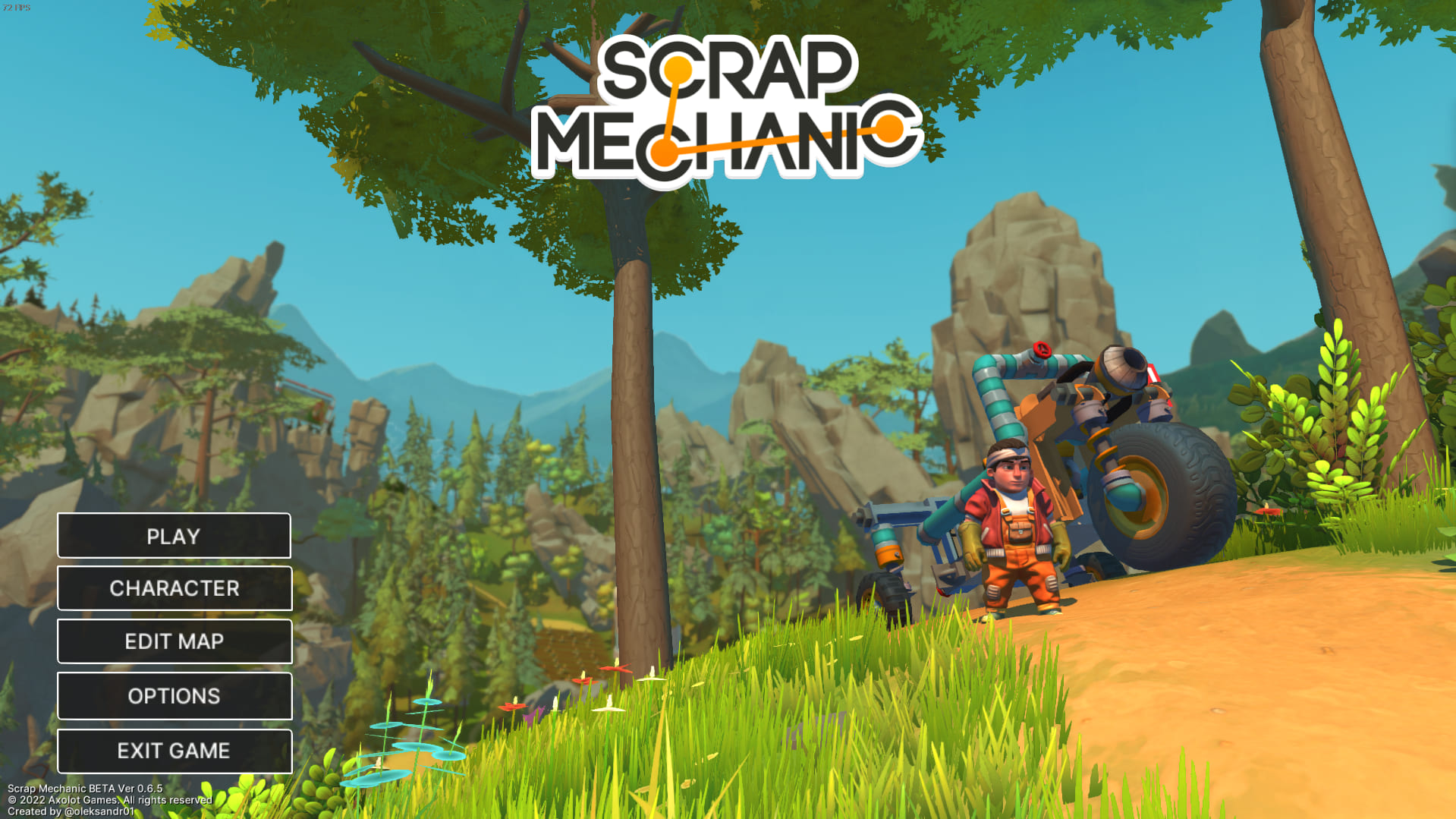
Old Game Menu
by oleksandr
Steam: 3018592541
Subscribers
748
Favourites
Steam
10
Site
0
Views
Steam
1,103
Site
0
Steam rating
unrated
Site rating
unrated
0
site: unrated
0 up · 0 down
Vote on tags
Community tags appear publicly at +3 net votes.
No tags yet. Type a tag name below to suggest one — your vote counts as the first upvote.
Welcome to Nostalgia Mod Menu! Follow these steps to install the mod: If you have problems with downloading mod, you can download it from google drive: https://drive.google.com/file/d/1l-E7SqFfJx2Dl8OQVNtJ9VQesuqD4cy6/view?usp=sharing AUTO INSTALL 1. Open the Workshop Folder (default: Program Files (x86)/Steam/steamapps/workshop/content/387990). 2. Find folder "3018592541" and open it. 3. Open the "MOD" folder and open Autoinstaller.bat SELF INSTALL 1. Open the Workshop Folder (default: Program Files (x86)/Steam/steamapps/workshop/content/387990). 2. Find folder "3018592541" and open it. 3. Open the "MOD" folder and copy the "Data" folder. 4. Paste this into the game files and click replace. End.
Comments
0 totalSign in with Steam to join the discussion.
- No comments yet. Be first.