
Better Placement
by Quadrate
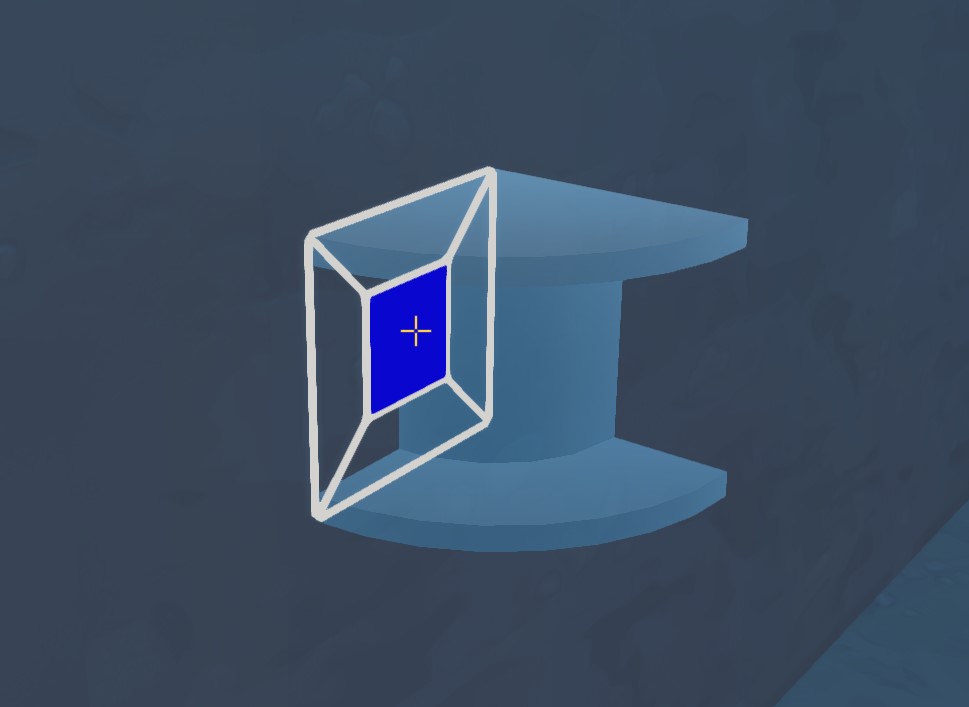
Better Placement A collection of building-related tools.BetterPlacementTool How to use [*Hold the Better Placement Tool, press R to turn it on. [*Hold the part you want to place, look where you want to place it [*Select the Rotation Axis by looking at different parts of the gizmo, Press Q (rotation key) to Rotate. Press R (reload key) to lock the gizmo to that spot. [*Press and hold (For the Click & Drag setting) or Press (For the Click Twice setting) the primary mouse button for the positioning gizmo to show up. [*Move the part visualization to your desired spot by moving the cursor and pressing Q to use the vertical axis [*Release the primary mouse button (For the Click & Drag setting) or click it again (For the Click Twice setting) Settings [*Hold the Better Placement Tool, press Q (rotation key) Notes [*If you start the placement on a body (e.g. a frame) and move it over to another body (e.g. a wheel), the part will still attach to the first body (the frame). [*If you build the part so that it isn't attached to the original body, it will disconnect when the body is put on a lift. [*As of now, the mod only supports placing parts on parts/blocks/terrain. Credits Tweakeroo's Flexible Block Placement (concept) SelectionTool How to use [*Look at the block you want to manipulate [*Use the primary mouse button to 'lock' the selection [*Press and hold F (force build key) to Open the pie menu [*Select the wanted action, release F [*Follow instructions Settings TBD Changelog v3.0 [*Added Selection Tool [*Tweaked placement mechanics v3.1 [*Overhauled (previously broken) instance handling Known issues [*The BetterPlacement Tool (seemingly) randomly turns off when other instances are removed Links Github: https://github.com/quadratech188/BetterPlacement
Comments
0 total- No comments yet. Be first.