
World Map
by nutt
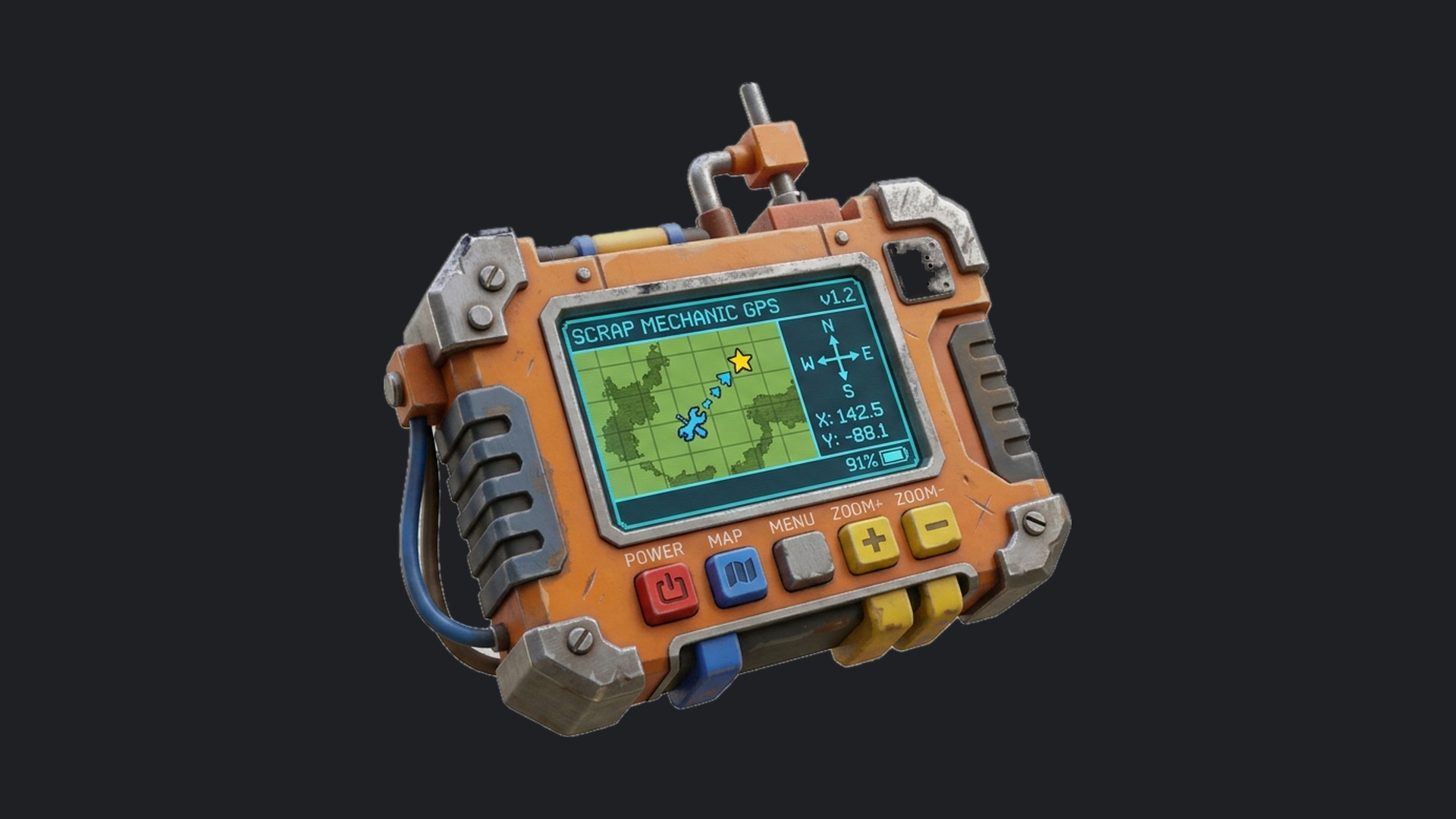
Every survival game has a map. Every exploration game has a map. Scrap Mechanic gives you miles of island in every direction and nothing to find your way around it with. World Map is the missing piece. No new content, no new mechanics, nothing that changes how you play - just the quality of life feature the game should have come with. Is it perfect? Not even close. Is it better than no map at all? 100%. Enjoy! THE MINIMAP A circular minimap that scrolls with you as you walk, with an arrow for the way you are facing, and five zoom levels. THE BIG MAP Pull out the GPS and open the full world map. Pan across it and zoom in. Roads, lakes, forests, farmland and the places worth remembering - all of it drawn from real aerial imagery, thousands of captures taken from above tile by tile, so what you are looking at is what you are standing in. WAYPOINTS Click the map to drop a waypoint. Hold and drag to place it exactly where you want it. Pick one of five colors and the minimap ring and the compass marker both change to match. Then close the map and just walk. Your waypoint rides along the compass bar with a live distance readout, counting down as you close in. ANY SEED. ANY WORLD. The map is drawn from your world's own terrain data. Every seed, every custom game, first time, no setup. CONTROLS The GPS turns up in your inventory. Lose it and it finds its way back. [*GPS in hand: left click opens the world map, right click cycles the minimap zoom [*GPS in hand: Q moves the minimap between screen corners (a fifth press hides it), R cycles its size [*On the map: arrow buttons pan, mouse wheel zooms [*Click to set a waypoint, hold and drag to place it precisely, click a waypoint to remove it [*[E or CLOSE exits the map FAQ Does it work in Survival? Custom games only. Start a Custom Game and enable World Map. Vanilla Survival doesn't load mods. What is a Custom Game? A Custom game is just a Survival game with mods enabled. How do I create a Custom game? On the menu page with Challenge, Survival, and Creative there is a button at the top-right of the screen that says "Custom Game". Click that and then click Mods. World Map will be in the list, along with any other mods you are subscribed to, that you can enable/disable with the checkbox. Can I add it to a world I've already started? Yes, as long as it is a custom game. Subscribe first, enable the mod, and launch your existing custom game. Does it still work after the latest update? Yes, it works with Drilling Thunder. If an update ever breaks it, leave a comment and I'll get on it. Why is it 235MB? Every tile was individually shot in-game at 4k and then optimized to balance visual quality against performance. It's a big download once. It does not affect your in-game FPS. Will it tank my framerate? No. Tiles load/unload as you move and the imagery is already compressed for runtime. The minimap is drawn UI, not a second camera. You may see a temporary drop in FPS while in the large map. Does it work in multiplayer? Yes, but it will only show your position on the map. You will not be able to see other players on the mini or large map. Does it work on my seed? Any seed, any custom world. The map is drawn from your world's own terrain data with no setup or pre-generation step. Where's the GPS? I lost it. It shows up in your inventory automatically. If you drop it, destroy it, or die with it, it comes back on its own. You need the GPS unit to control the minimap and access the large map. The only way to remove it from your inventory/hotbar is to remove the mod. Why is part of my map just flat color? That's a tile that hasn't been captured yet. A few hundred variants are still to be captured. It's the map being unfinished, not the mod being broken. Does it add blocks, parts, or change how the game plays? Nothing. No new content, no balance changes, no crafting recipes. It's just a map. Can I use this in my own mod or gamemode? Ask me first. Post a comment letting me know then send me a friend request on Steam. I'm generally happy to say yes with credit. Found something else? Leave a comment.
Comments
0 total- No comments yet. Be first.