
Sorter Gate
by TheBelgarion
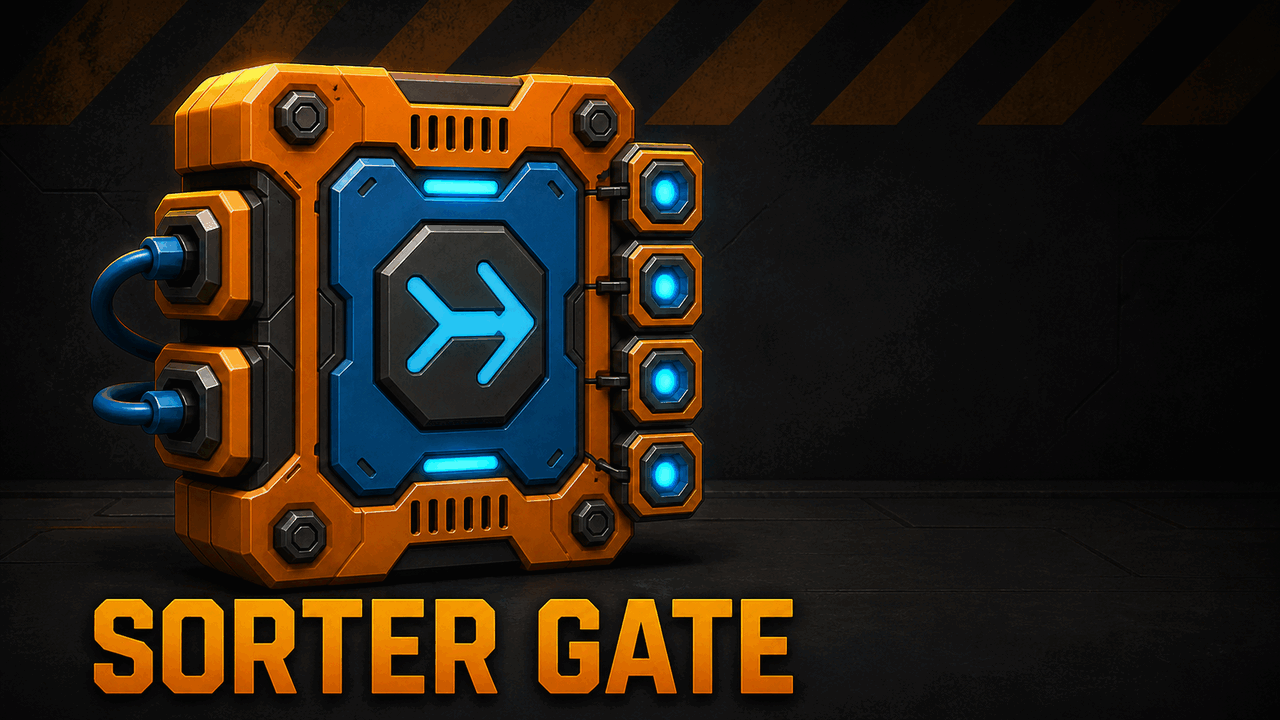
Sorter Gate Sorting is as easy as placing one block on a chest. Want all Metal Blocks in one Large Chest? Place a single Metal Block directly against one face of that chest. Connect your Large Chests and a button to the Sorter Gate, then link all storage with vacuum pipes. Press the button and matching items will move into the correct chests. You can mark different chests with different blocks or parts. Even without a marker, the Sorter Gate naturally consolidates matching items into destination chests that already contain them. Features [*Sort an item by placing one matching block, stack, or part directly against a chest [*Place the same separate one-block marker on multiple sides of a chest [*Items already stored in a Large Chest guide automatic consolidation [*Small Chests and the vanilla XXL Chest can supply items as pull-only sources [*Compatible pipe-connected storage can also supply items [*Five upgrade levels supporting 4, 6, 8, 10, or 12 destination connections [*Trigger sorting from up to two buttons or other logic sources [*Deterministic handling of multiple marked destinations, ordered by container ID [*Server-authoritative sorting with atomic item transfers How to use [*Place a Sorter Gate. [*Connect every Large Chest you want handled to the Sorter Gate. Unconnected Large Chests are not sorting destinations. [*Connect the destination and source containers through one vacuum-pipe network. [*Place one block, stack, or part directly against the face of a destination chest. That chest will collect the matching item. [*Connect a logic signal source (e.g. a Button) to one of the Sorter Gate's inputs. [*Send a new off-to-on signal to start sorting. If you use a switch, turn it off again before the next run. [*Wait for the 10-second recharge delay before triggering another sorting pass. Signals received during this delay are ignored. Interact with the Sorter Gate to view its current connection limit and purchase upgrades with Component Kits. Choose a chest by placing an item Place a separate one-block shape, placed stack, or non-pipe part directly against a Large Chest to make that item its first sorting priority. You may place multiple separate matching markers on different faces of the same chest. Connected surfaces made from two or more blocks are ignored. Floors, supports, vacuum pipes, nearby items, and anything not touching the chest itself do not count. FAQ How can I trigger the Sorter Gate? Connect a Button, Sensor, Timer, Logic Gate, or another logic source to either input. Sorting starts when the signal changes from off to on. A signal that stays on does not repeatedly trigger the gate. Can I let my cow trigger the sorting? Sure—why should mechanics do all the work? Aim a Sensor across your Woc's pen and connect it to either Sorter Gate input. When the Woc walks through the Sensor's view, it can trigger a sorting pass. You can keep a Button connected to the second input as a manual trigger. The Woc must leave the Sensor's view before it can trigger another pass, and the 10-second recharge delay still applies. Why does sorting not work when I press the Button multiple times? The Sorter Gate ignores new signals during its 10-second recharge delay. Wait 10 seconds, then send a new off-to-on signal. If you use a Button or Switch, release or turn it off before trying again. Can I put the items I want sorted into any chest? Yes. Put them in any supported source storage on the same vacuum network. The Sorter Gate pulls them toward a destination Large Chest marked with that item or already containing it. Why does the chest not collect the item shown by its marker block? Make sure one separate block directly touches the chest. A connected surface made from two or more blocks is ignored, as are floors, supports, vacuum pipes, and nearby items that do not touch the chest. Why is the same item being pulled into two chests? The marker may be touching both chests. That marks both as destinations for the same item. Move the marker so it touches only the intended chest. Why do I sometimes need to sort twice? Busy networks may need more than one pass, especially on the first run. Wait for the recharge delay, then trigger the Sorter Gate again. Why can one Sorter Gate connect to only 12 destination chests? I need more. Add another Sorter Gate to the same vacuum network and divide the destination chests between them. Sorting order For each item type, the Sorter Gate chooses a Large Chest in this order: [*Item placed on the chest: a directly touching marker has highest priority. [*Item in the chest: a chest already containing that item is preferred. [*Highest count: the chest containing the largest quantity wins. [*Fewer item types: the less mixed chest wins when quantities are equal. [*More free space: the chest with more room for that item wins next. [*Chest ID: the lower internal container ID breaks any remaining tie. If the same item is placed on several chests, the lower container ID is used first. If the preferred chest is full, the next valid chest can receive the remaining items. Important [*Only vanilla Large Chests connected to the Sorter Gate are sorting destinations. [*Source storage can include unconnected Large Chests, individual Small Chests, and one large container per XXL Chest. Other compatible pipe-connected storage may also supply items. Source storage does not need a Logic Tool connection and will not receive sorted items. [*The gate has a 10-second cooldown between accepted sorting signals. [*No other Workshop mods are required. Version Built for Scrap Mechanic 1.0. Sorter Gate v0.1.3. Creator TheBelgarion Original contributions are licensed under the Apache License 2.0.
Comments
0 total- No comments yet. Be first.